Prop trading desk software for desk heads and risk managers
Running a desk means watching risk across traders while each of them watches their own screens. The Desk plan gives every trader the real-time scanner and journal, and gives the head of the desk and the risk manager one place to set daily loss limits, see every journal and export the record for review.
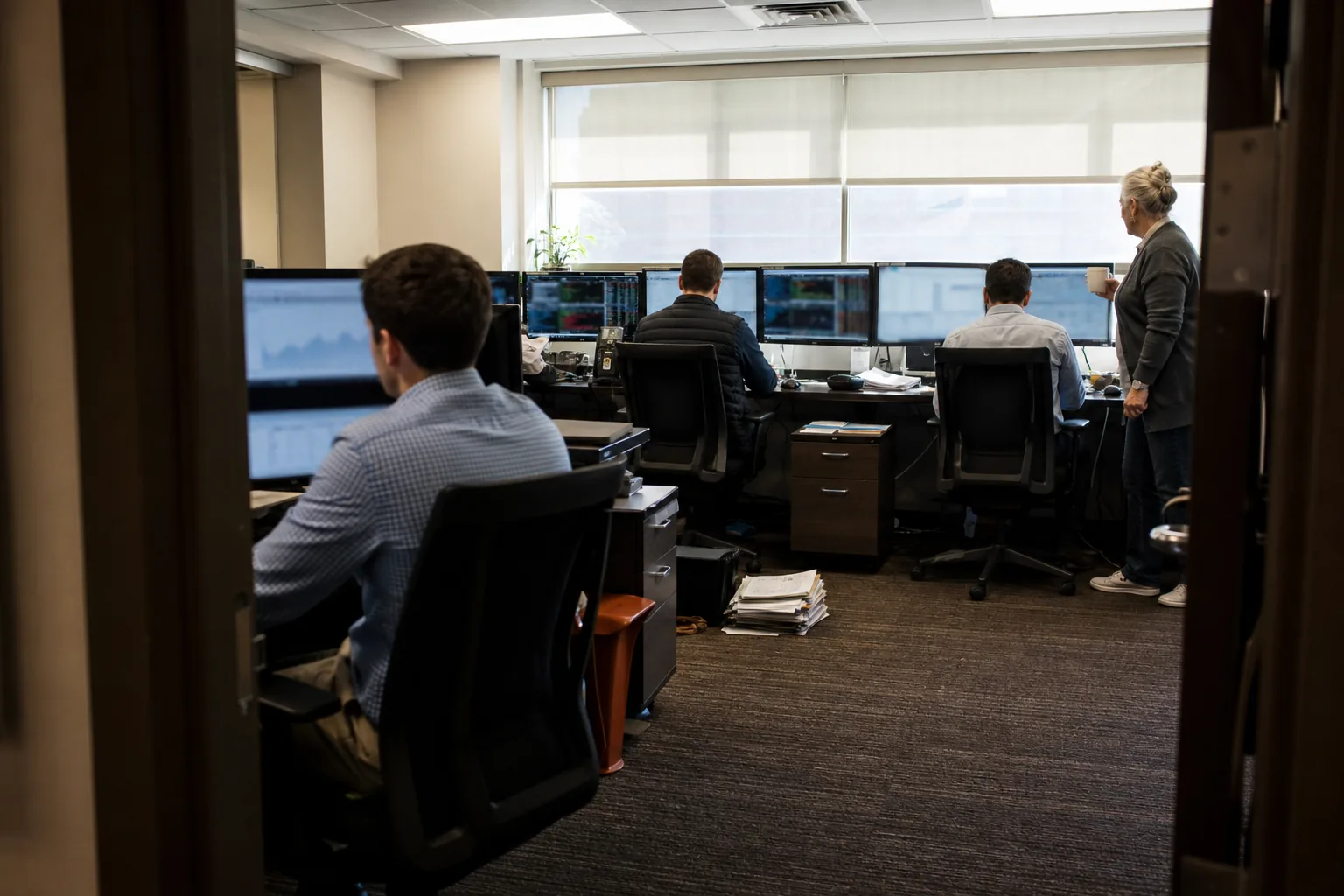
What desk heads deal with every day
A typical small desk pays for a scanner on every seat and a separate journal on every seat, then collects P&L from the broker report at the end of the day. Loss limits live in a document. Reviews happen when someone remembers, and they start with a trader explaining what happened instead of with the numbers. When a trader breaks a limit, the desk usually finds out after the close.
DayTradingSoftware Desk puts the scanner, the journal and the risk view in one workspace with one invoice, so the desk head spends review time on decisions rather than on collecting data.
Prop firm software features in the Desk plan
- Up to 10 seats included, each with everything in Pro: real-time scanner with unlimited saved scans, 500 active alerts, 200 backtests per month, daily AI day review and 5 years of intraday history
- Roles for owner, risk manager and trader, each with its own permissions
- Daily loss limits per trader, set in dollars or in R, with alerts to the trader and the risk manager
- A team view of every trader's journal, with setup, mistake and time of day reports
- Shared scans and shared watchlists, so the morning plan is the same list for the whole desk
- Export for risk review in CSV, by trader, by day or by period
- Single sign-on with your identity provider and an audit log of account and permission changes
- Invoice billing and one subscription for the whole desk
Roles for owner, risk manager and trader
The owner manages billing, seats and roles. The risk manager sets limits, reads every journal and exports reports, but cannot change billing. A trader sees their own scans, alerts and journal plus anything the desk shares, and cannot see other traders' P&L unless the owner allows it. Every change to a role, limit or seat is written to the audit log with the time and the person who made it.
Daily loss limits per trader
Each trader can have a daily loss limit, a maximum number of trades per day and a maximum size per position. Limits are tracked against the trades in the journal. When a trader reaches 80 percent of the daily limit, both the trader and the risk manager get an alert. Trades taken after the limit are flagged in red in the team view and counted in a separate report, so the conversation the next morning starts with a number.
The software does not block orders at the broker, because it never connects to broker accounts. It makes breaches visible fast, and the desk enforces the rule.
A team view of every journal
The team view lists every trader with net P&L after commissions, R for the day, number of trades and limit status. Click a trader to open their trading journal with the same reports they see: expectancy by setup, results by hour, mistake cost and hold time. Because each entry stores the scan state at entry, a desk head can see which shared scans actually produce results for which traders.
The daily ai day trading software review runs per seat and summarizes each trader's session from their own journal, including repeated mistakes. It never predicts the market.
What the desk gets back
Desk heads usually measure software on three things, and Desk is built for them.
- Fewer limit breaches, because traders and the risk manager see 80 percent and 100 percent alerts during the session, not after the close
- A shorter daily review, because each trader's day is already summarized with numbers before anyone sits down
- One bill instead of two tools per seat, because scanner and journal come in one subscription with invoice billing
These are operational benefits. They are not a promise of trading results, which depend on your traders and markets.
Desk pricing and seats
Desk is $499 per month, or $249 per month billed yearly at $2,988, and includes up to 10 seats. Each extra seat is $49 per month, or $24 per month on yearly billing. Yearly is the default and saves 50 percent. Seats are added and removed in the dashboard, billing adjusts automatically and invoices are available for your records. There are no sales calls and no quotes to request: you choose the plan, pay and invite your traders. See all plans on pricing.
Security and access control
Access is controlled through SSO and roles, every administrative change is in the audit log, and data is hosted with a hosting provider in the EU or US. Traders import executions by CSV, so no broker credentials are ever stored. Details are on the security page.
What Desk is and is not
Desk is software for organizing scanning, journaling and risk review. It is not a broker, does not hold funds and is not investment advice. Past performance and backtests do not guarantee future results. Trading involves substantial risk of loss.
FAQ
-
Can I add more than 10 traders
Yes. Add seats in the dashboard at $49 per month each, or $24 per month on yearly billing. Seats take effect right away.
-
Do you connect to our clearing firm or broker
No. Each trader imports execution files by CSV. The software never connects to broker or clearing accounts and cannot place orders.
-
Can we pay by invoice
Yes. Desk supports invoice billing, and every charge produces an invoice you can download from the dashboard.
-
Can a trader see other traders' results
Only if the owner enables it. By default, traders see their own journal, while the owner and risk manager see the team view.
-
What happens to a trader's journal when they leave
The owner can remove the seat. The journal history stays in the desk workspace and can be exported for your records.